> For the complete documentation index, see [llms.txt](https://choc.watfaq.com/llms.txt). Markdown versions of documentation pages are available by appending `.md` to page URLs; this page is available as [Markdown](https://choc.watfaq.com/basic-usage/remote-config.md).
# 获取远程配置
{% hint style="info" %}
若需使用 Choc ,您需要拥有至少一个包含节点信息及配置的Clash订阅。
{% endhint %}
本章节主要阐述如何 Choc 中有关添加远程配置的内容。
## URL Schema
如您所使用的代理节点提供商支持,您可通过点击按钮一键导入配置文件。支持的导入格式为:
* choc://install-config?url=URL
* clash://install-config?url=URL
## 下载远程配置
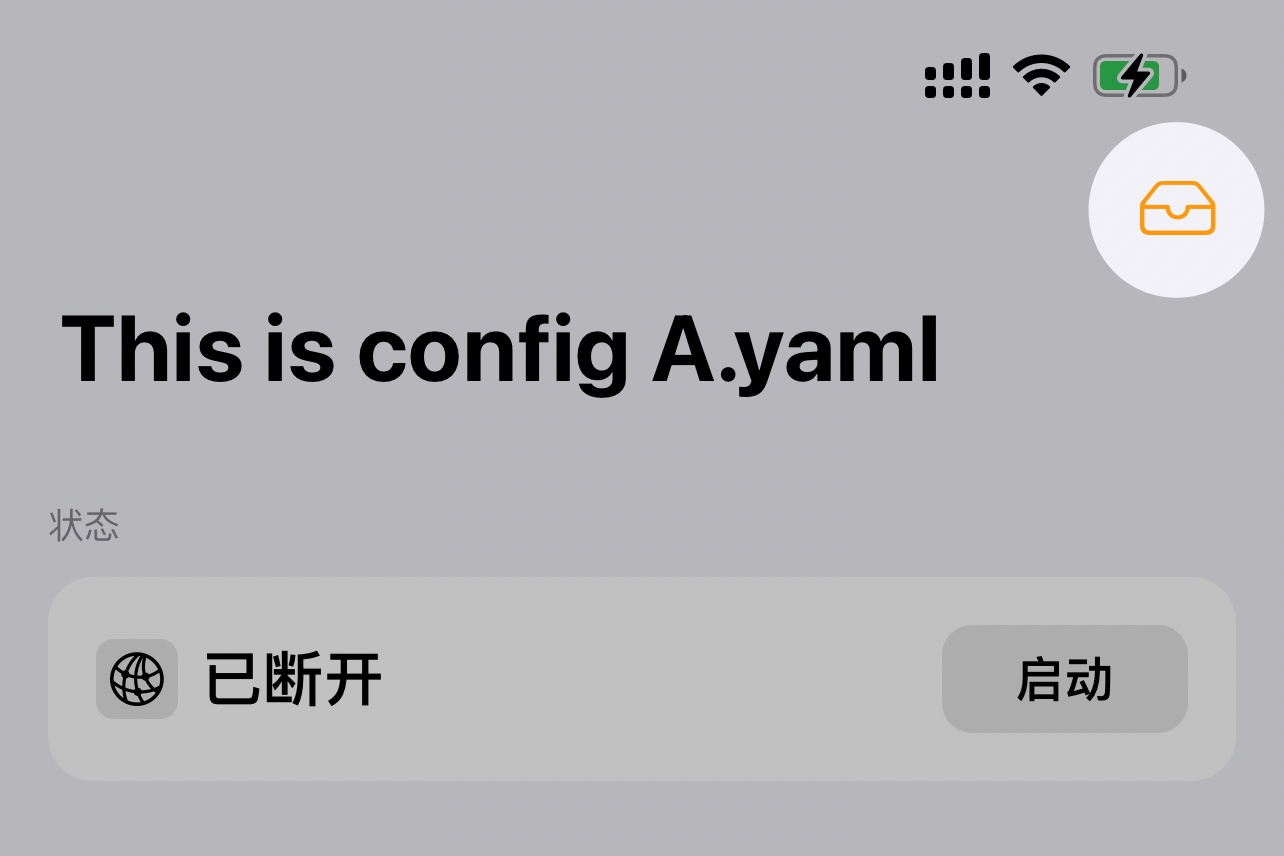
1. 在 Choc 主页面,选中右上角的 `Tray` 图标
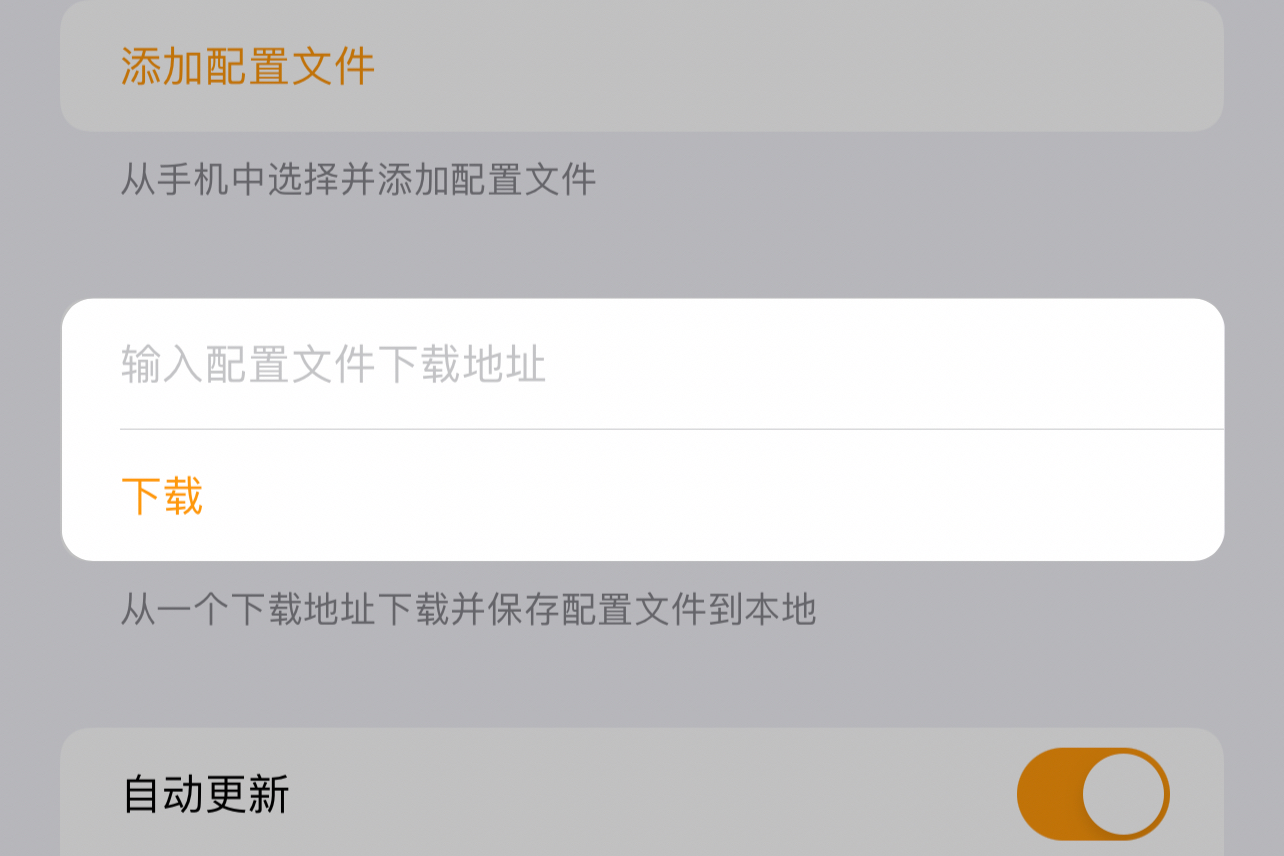
 2. 在”输入配置文件下载地址“中填写您的提供商提供的订阅链接
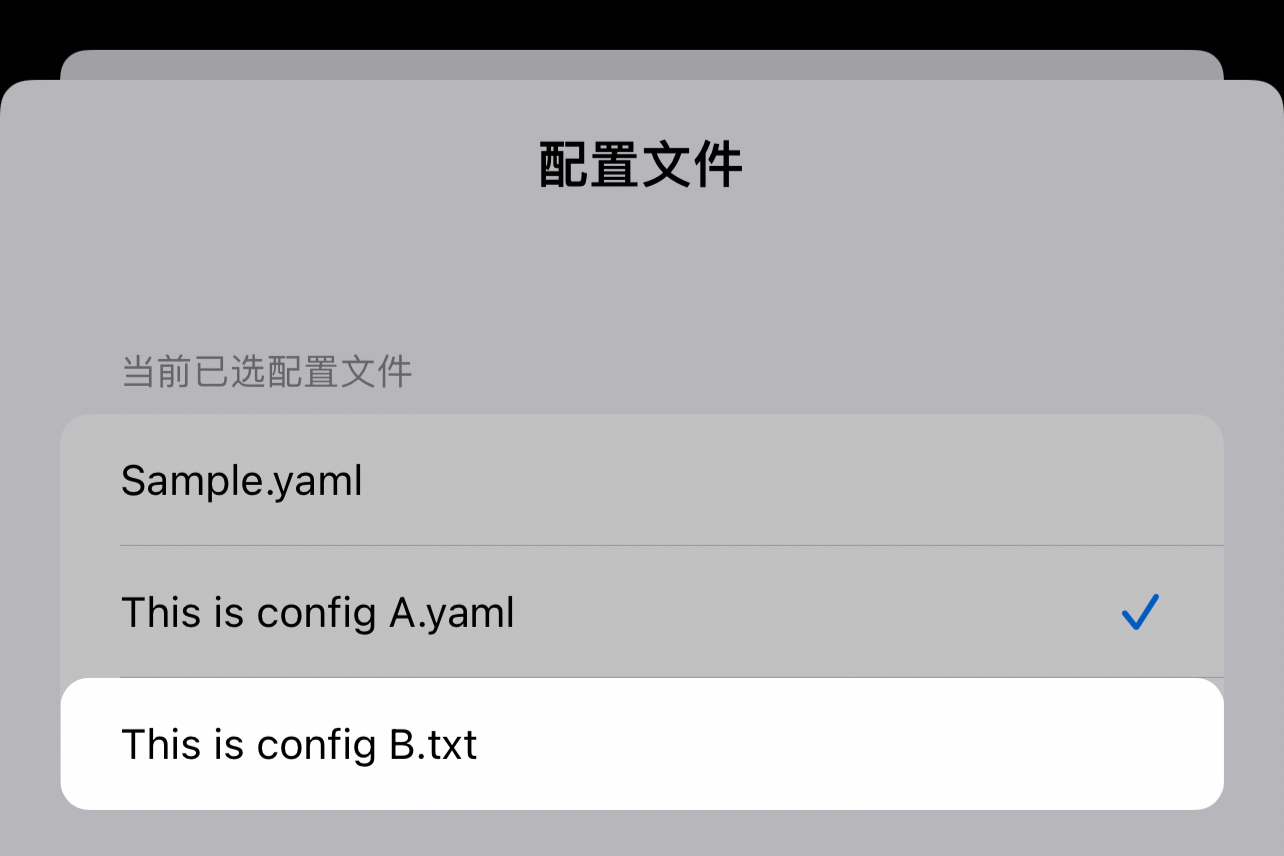
 3. 在配置文件列表中选中您下载的配置